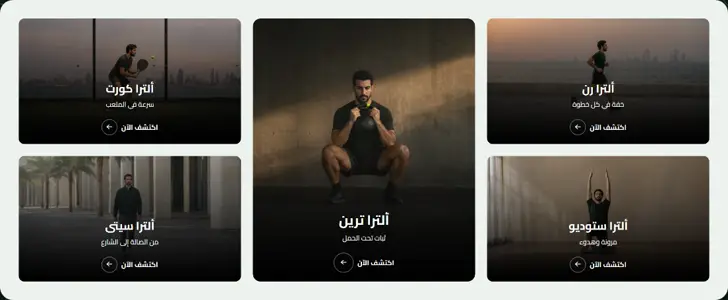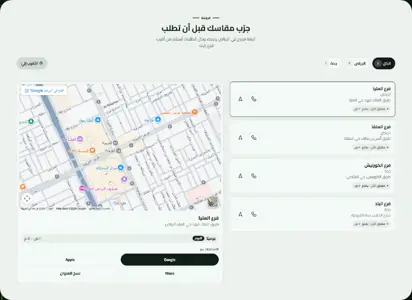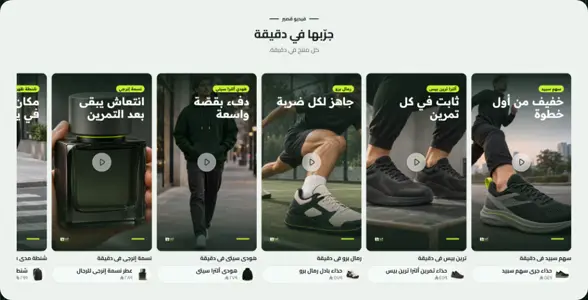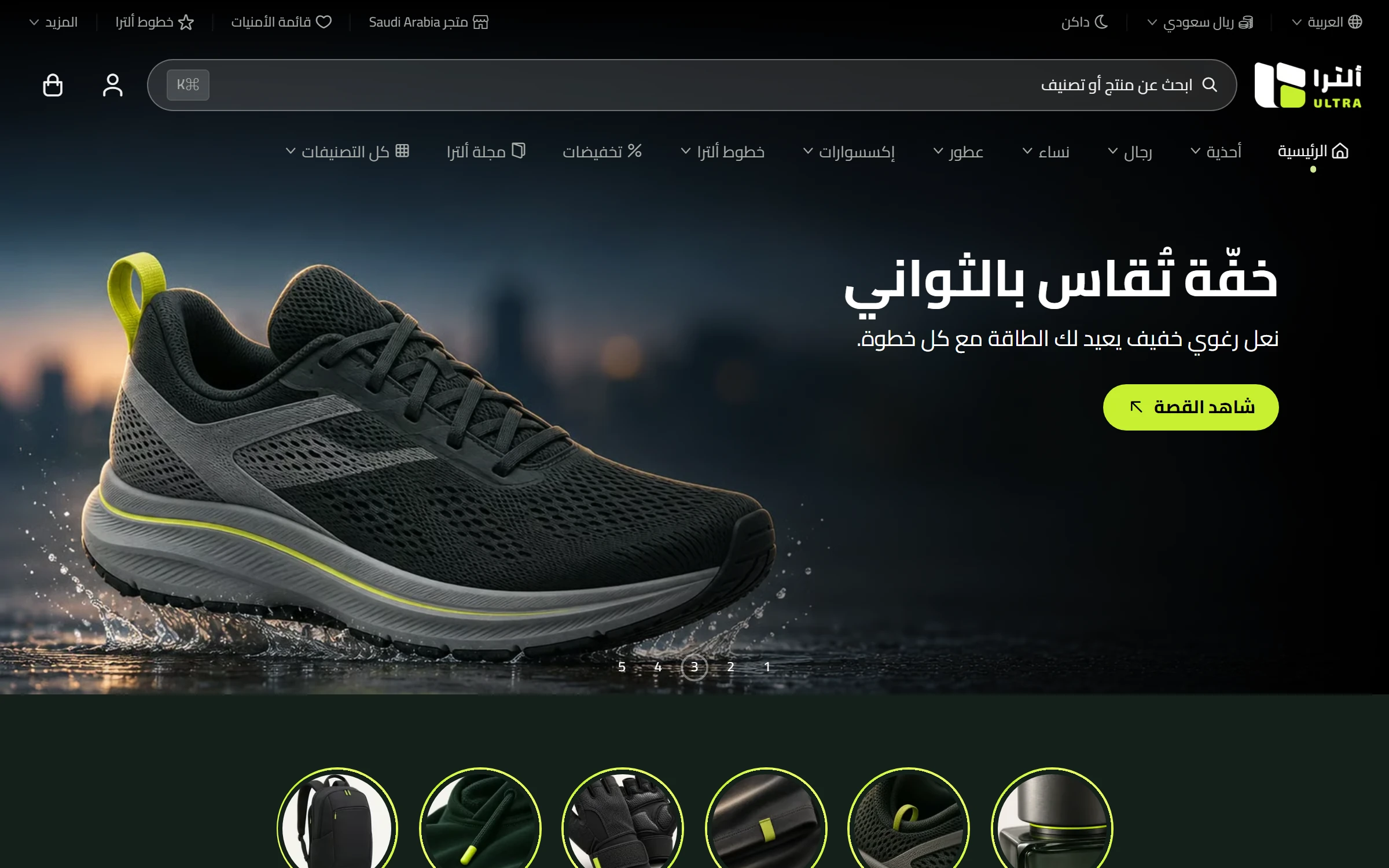
It starts with one choice.
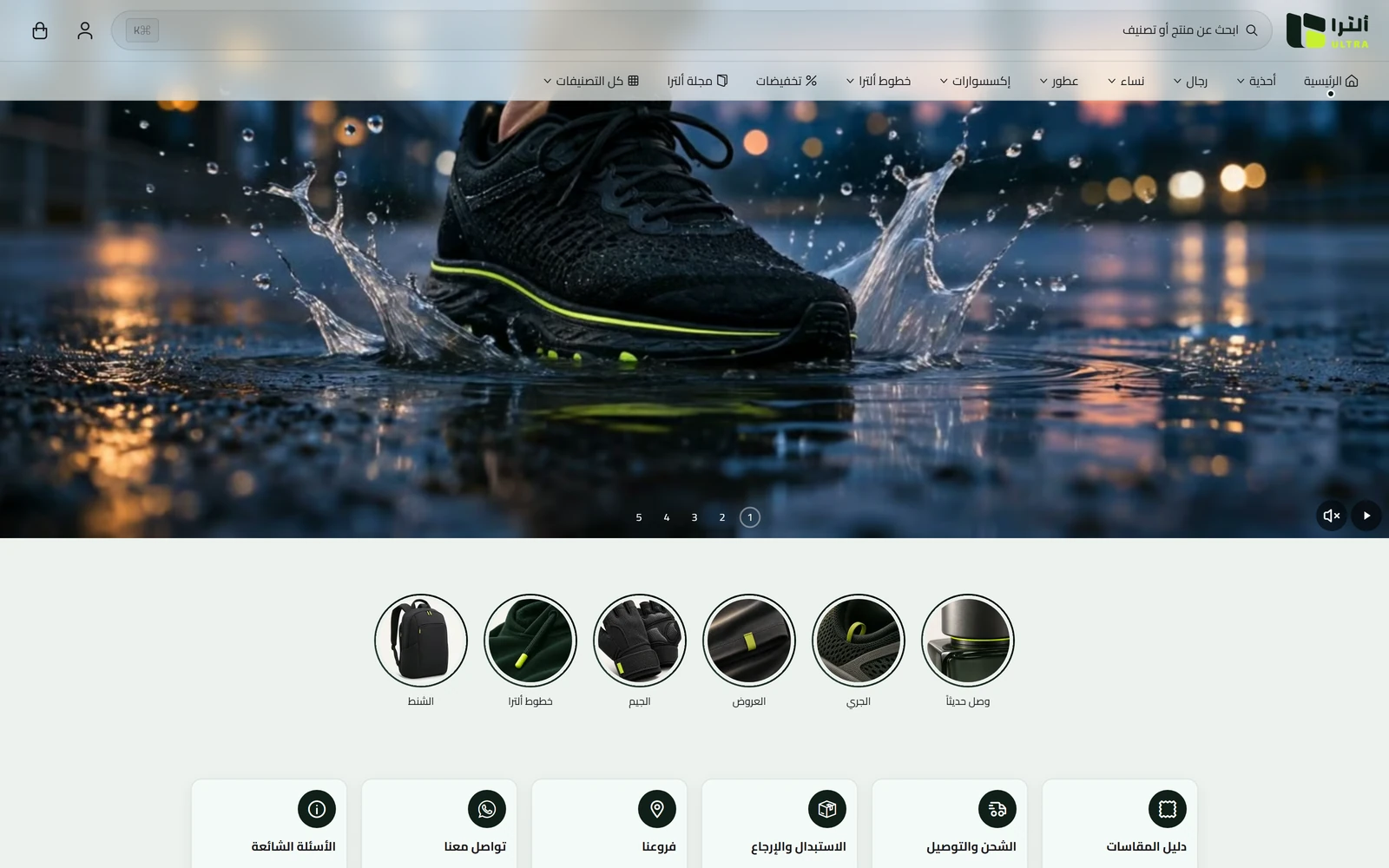
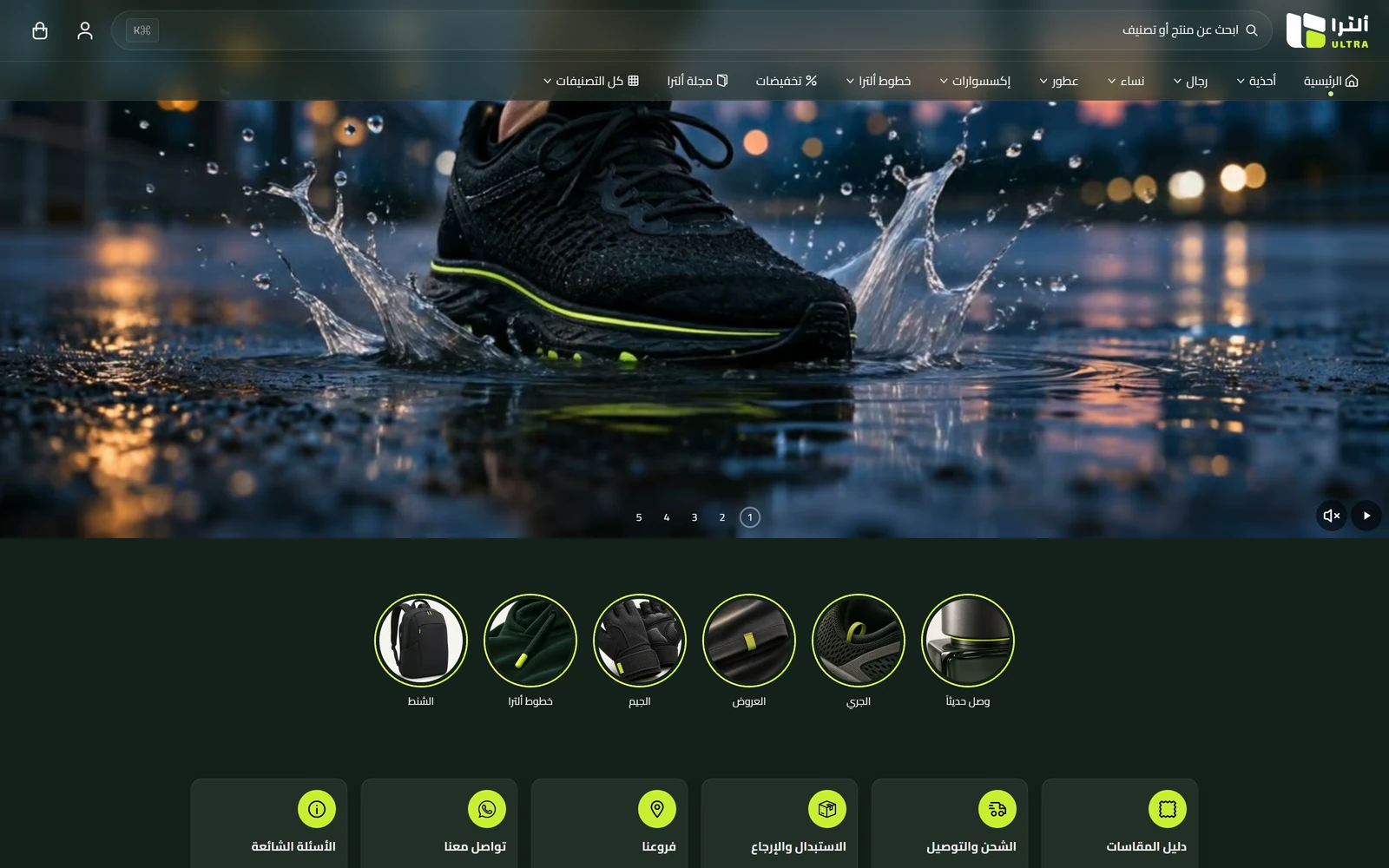
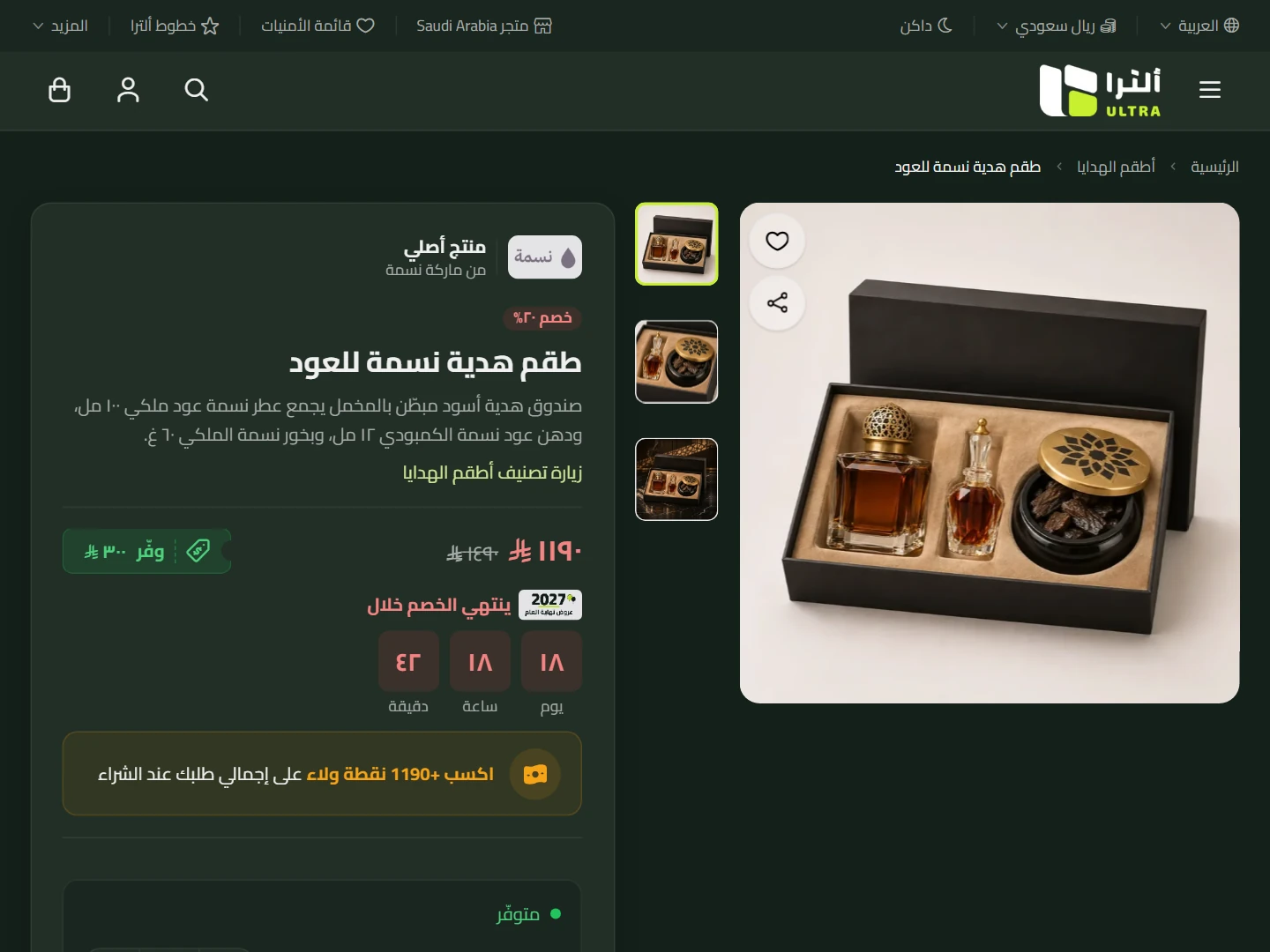
The merchant picks “Automatic” or “Dark only” in “Color scheme” in the theme settings. The store stays light until they do.
A theme you can rely on, built to sell first.
Everything your Salla store needs in one theme: a look worthy of your brand, and windows that move customers to buy.
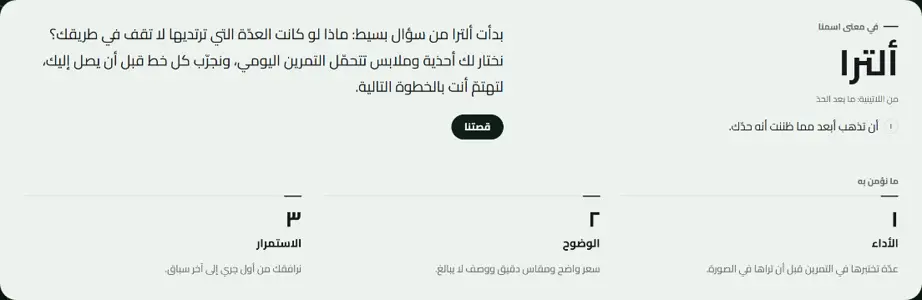
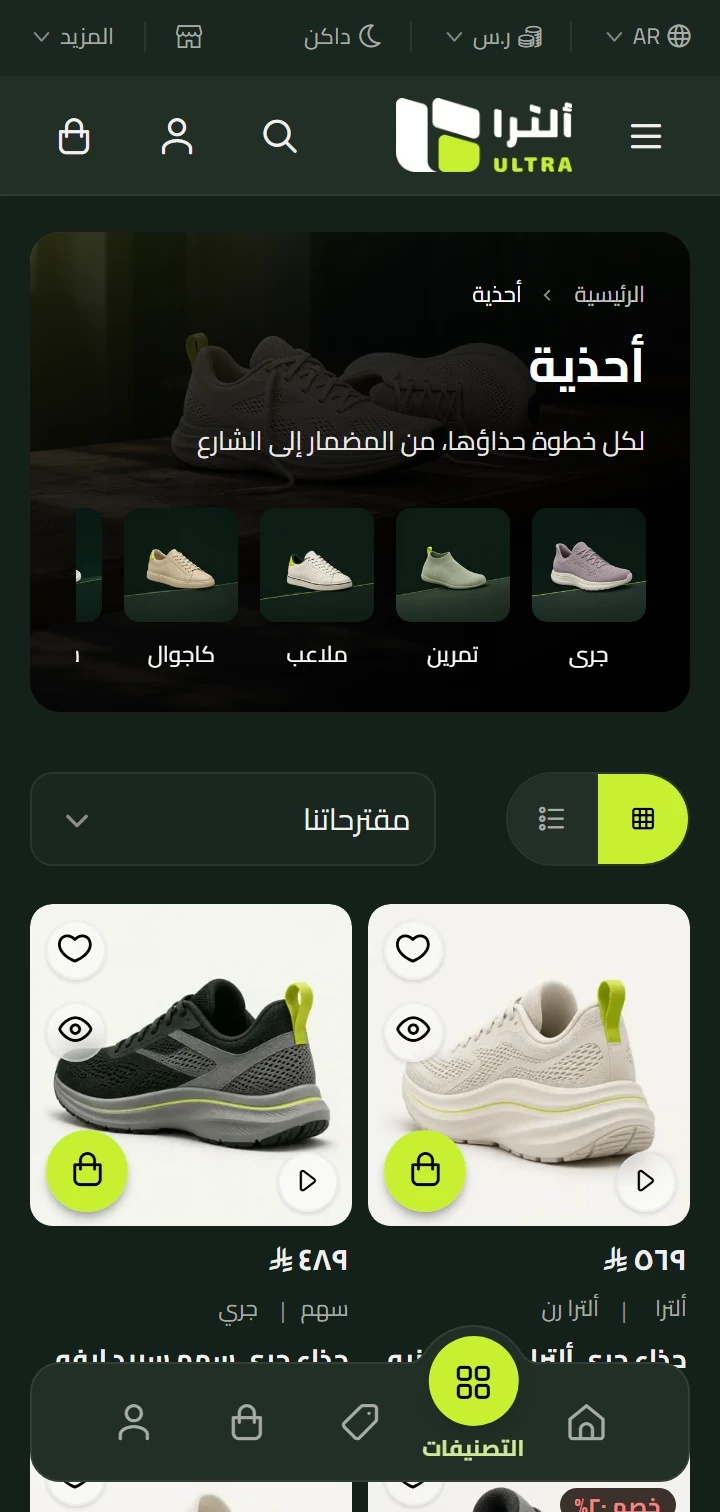
The Ultra mark is three windows onto one storefront, and so is the theme: each element adapts to the space it has, on a phone, a tablet and a computer.
The merchant turns it on, and can let the customer choose light or dark.
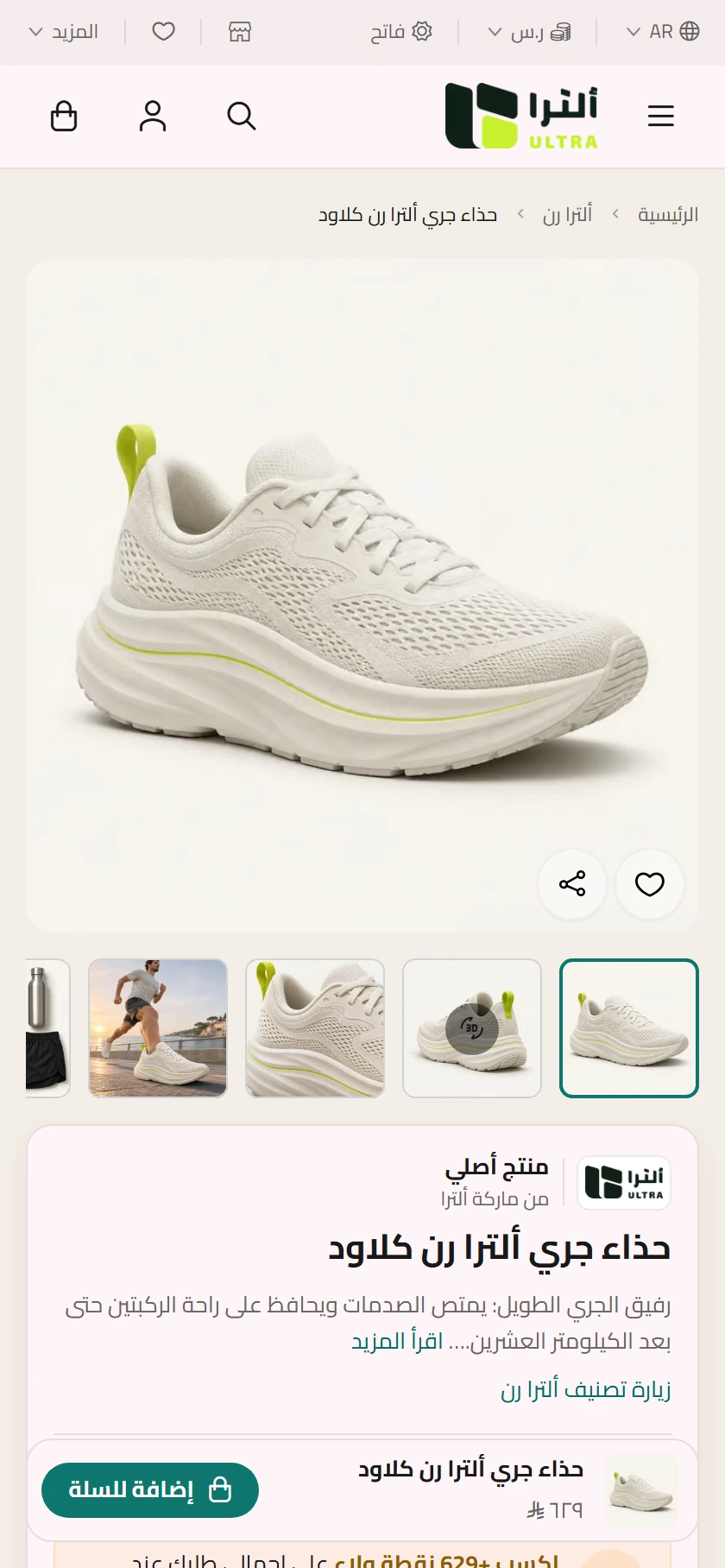
By default, every brand-dependent colour comes from your primary colour.
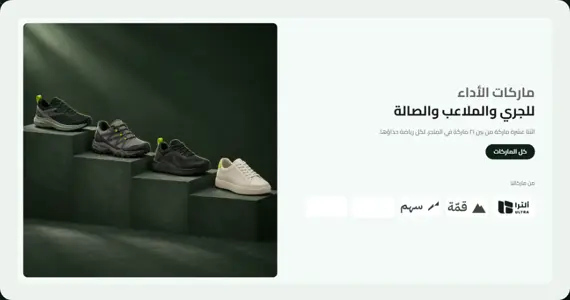
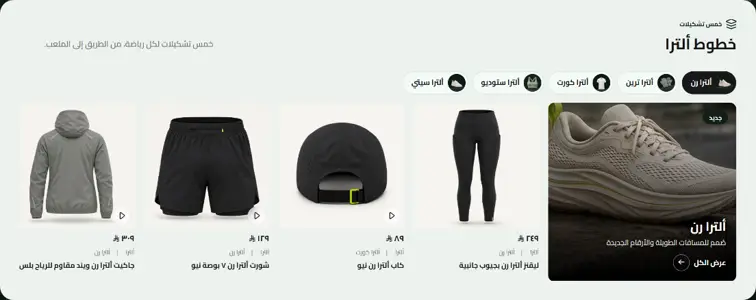
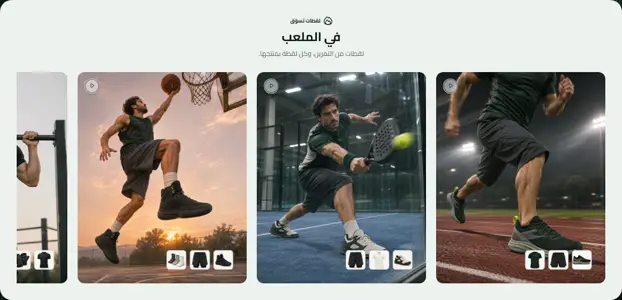
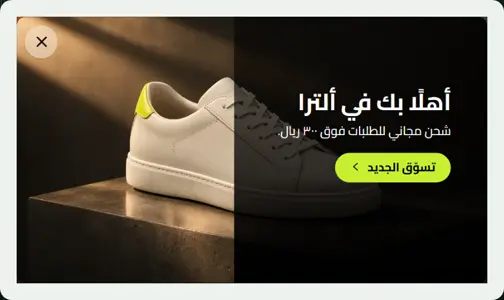
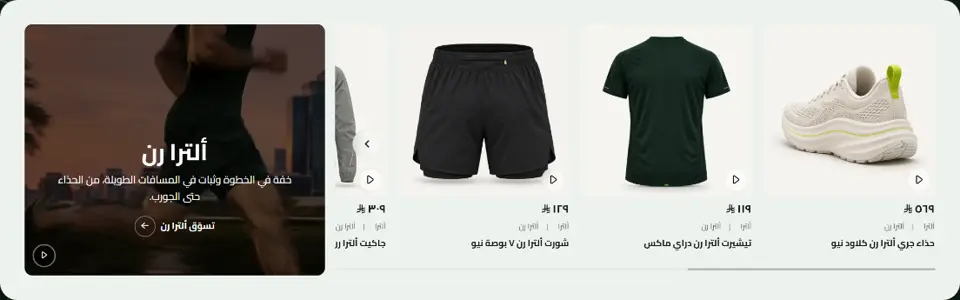
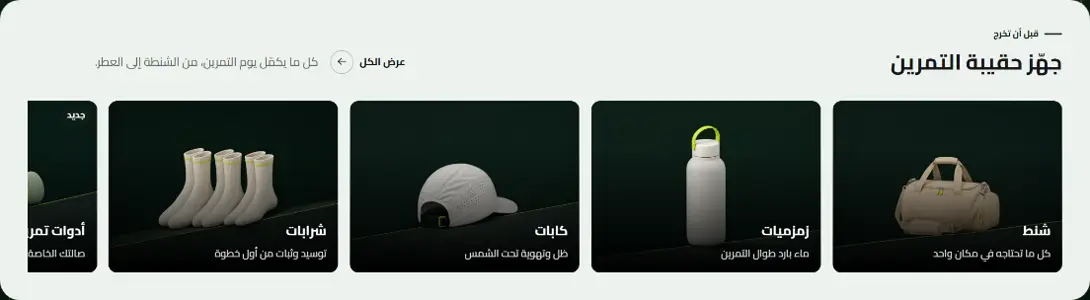
All of them are Ultra's. You add and arrange them in the theme settings.
It opens from the side, on phones too.
Arranged by part of the store, each with a card that explains what it controls.
The merchant picks “Color scheme” in the settings. With “Automatic”, the customer picks light or dark and the store remembers it, or it follows their device. Salla's own components inside the pages go dark too.
The merchant picks “Automatic” or “Dark only” in “Color scheme” in the theme settings. The store stays light until they do.
With “Automatic”, the customer picks light or dark, and the store remembers the choice. If they don't pick, the store follows their device.
Four dark and four light background presets, a custom colour, or one matched to your brand colour.
By default, every brand-dependent colour is derived from your primary colour in light and dark mode, and button text is chosen to stay readable on it.
You set the primary colour and the font in the Salla dashboard.
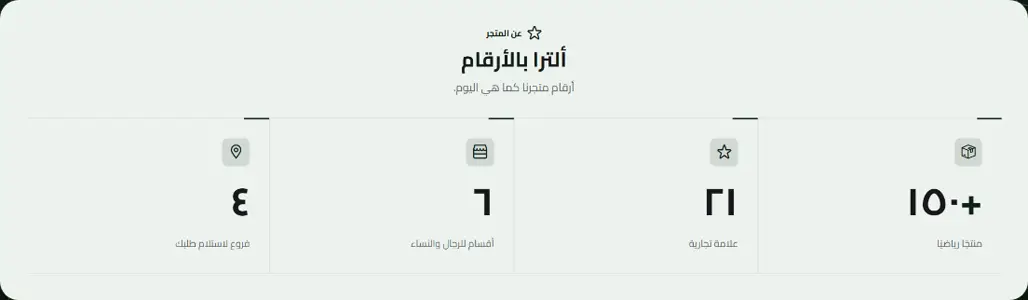
16,777,216colours checked with every change to the theme’s code.3
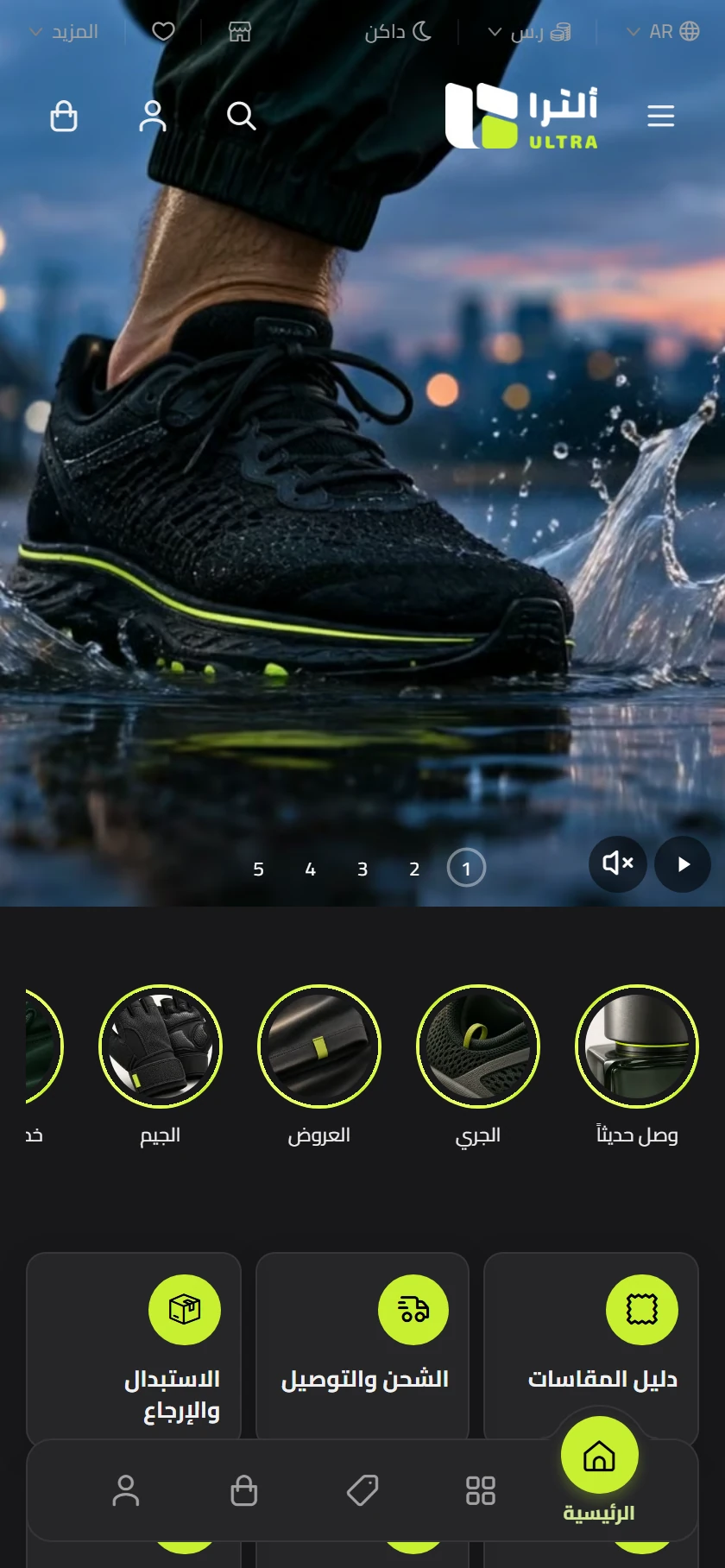
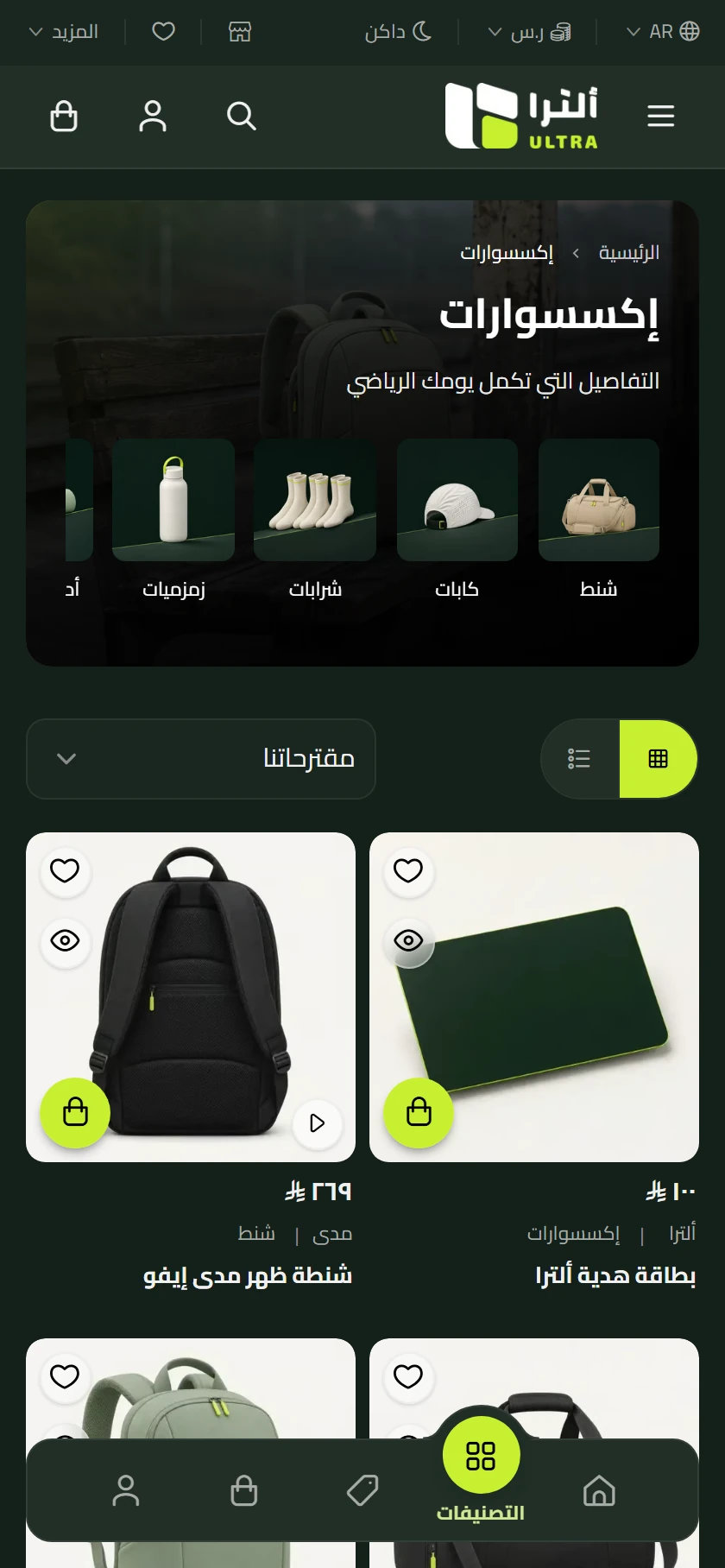
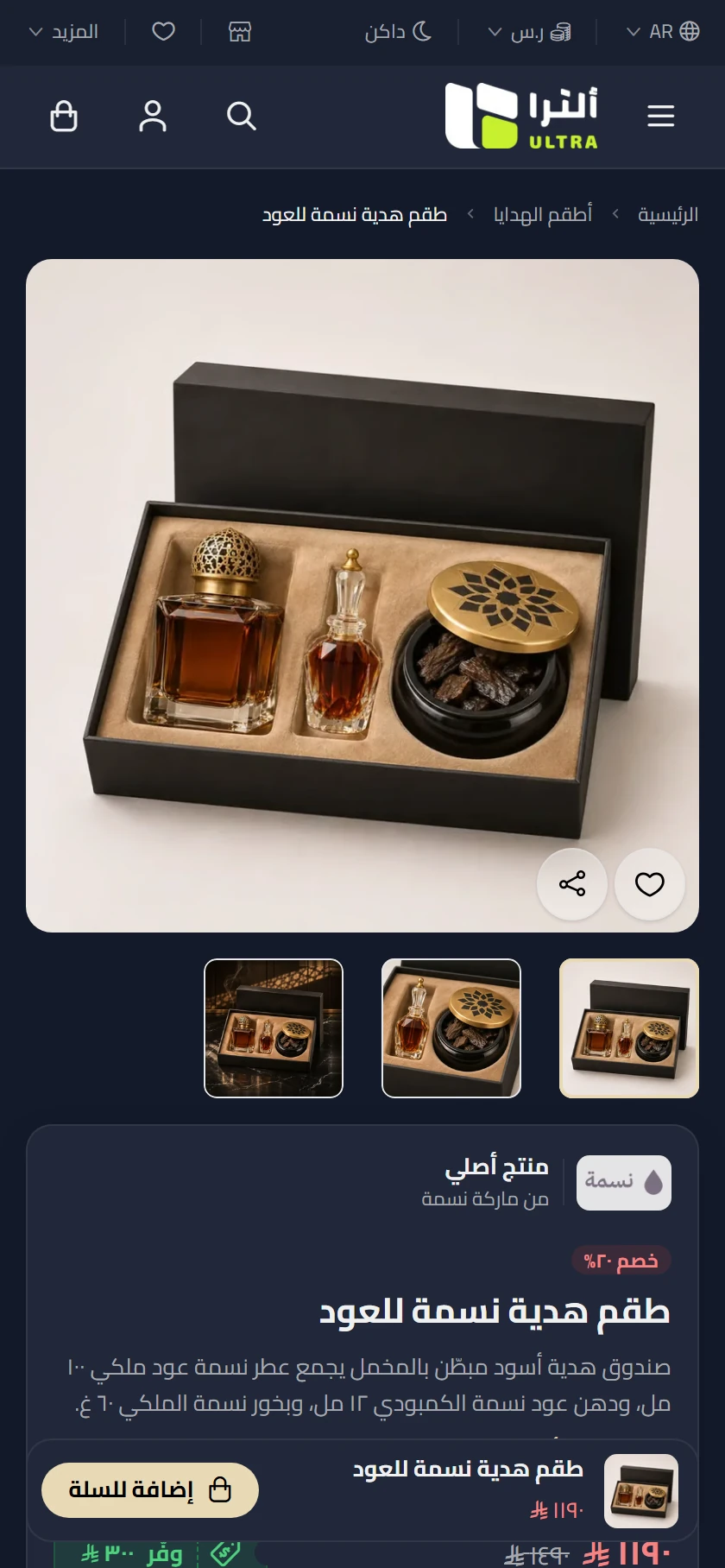
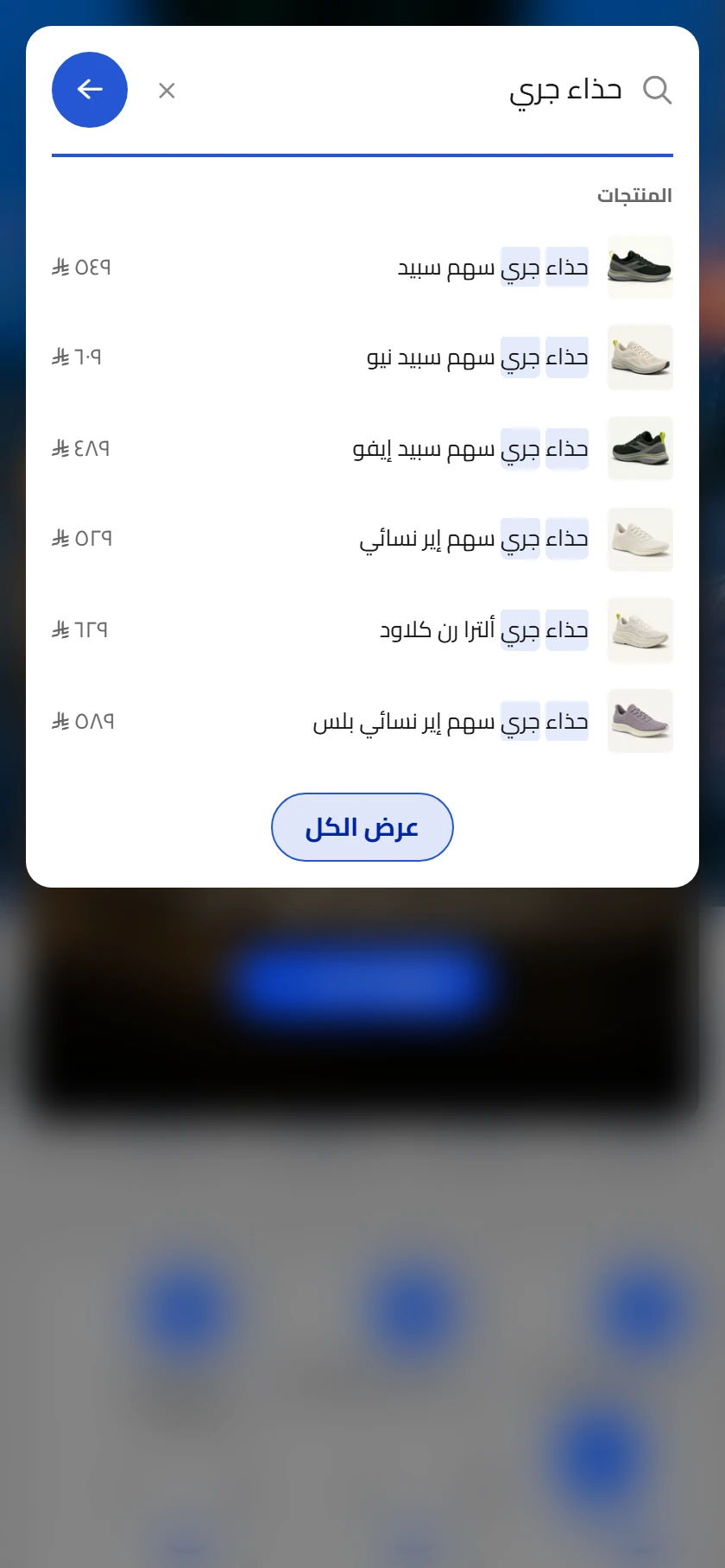
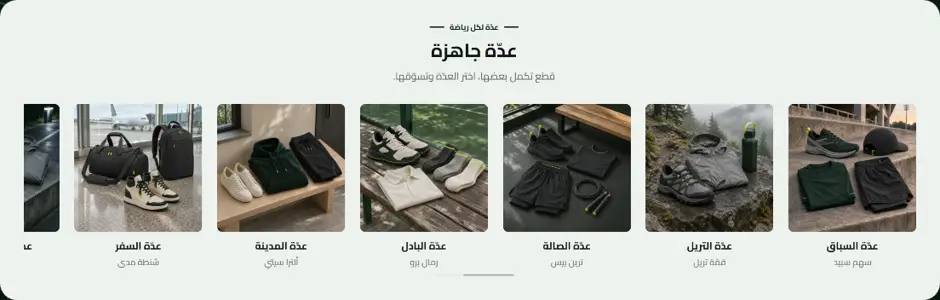
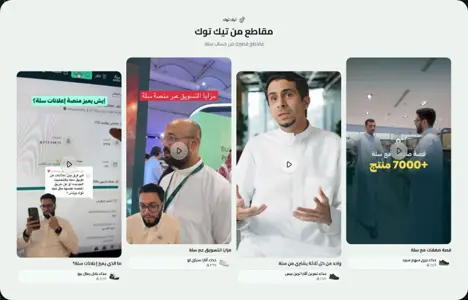
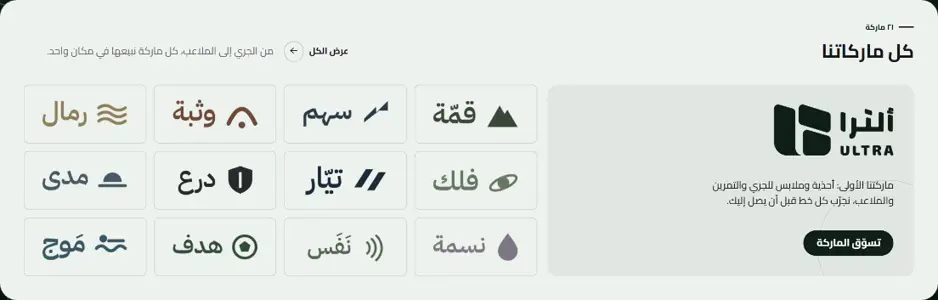
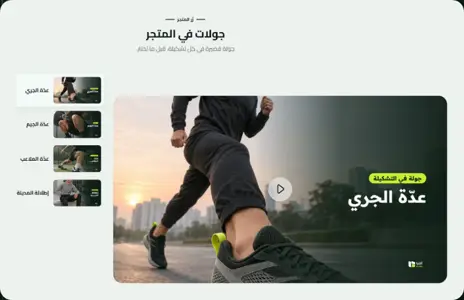
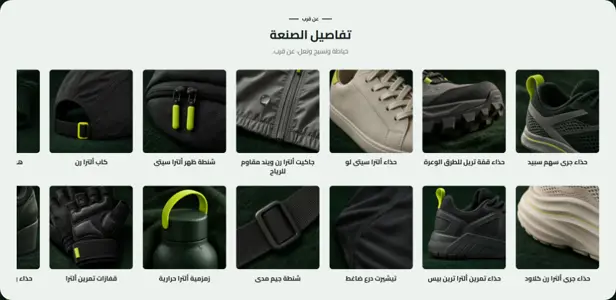
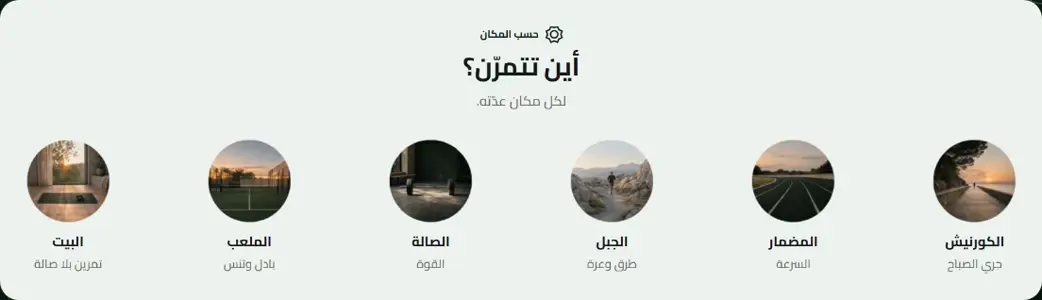
Here are all of Ultra's elements, by the names they have in the theme settings.
It opens from the side on phones too: edit quantities, apply a coupon, a summary whose amounts update in place, and a free-shipping progress bar. It can open on every add to cart.
One drawer for the menu, cart, account and filters; sheets that close with a swipe; a quick view of a product without leaving the page; Esc closes the top window first.
A visible focus ring, named buttons and fields, changes announced to screen readers, focus that returns to the button that opened a window, and support for the device's high-contrast mode.
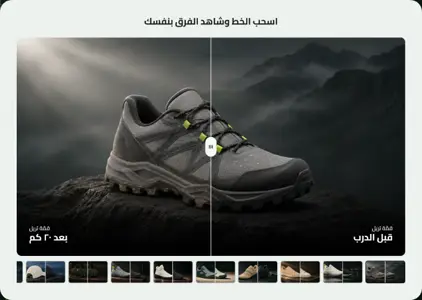
Each picture loads at the size the screen needs, holds its place before it appears, and fades in from a blurred preview. You can add separate phone images and a dark-mode logo.
One consistent motion across the theme. The merchant can turn it off with one switch, and it stops for customers who reduce motion on their device.
Colours, spacing, corners, shadows and timing come from one shared set of values, and an automatic check refuses any corner, shadow or timing value from outside it.
Up to 3× zoom4 by pinch or double-tap, closed with a swipe.
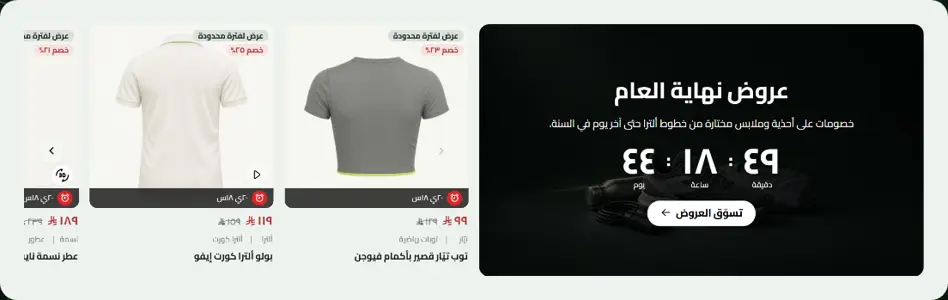
It ends with the sale, or on a date you set.
Settings arranged by part of the store, each with a short card explaining what it controls, in Arabic and English.
The settings guideOur next journey starts with you, in Ultra.
We have worked with Salla merchants since 2019 and served more than 10,000 of them. Since 2023 we have built Angel Theme, and we still support its stores today. With Ultra we start the next journey with you, with the same support our merchants know.
A team that answers your questions and follows your request to the end, from installing the theme to the last setting.
Every Ultra release and what changed in it, as we publish it on the Salla theme store.
First release: 2026-11-19
In the Salla theme store. Press “Try it free now” on this page to open its page there, or “View the demo store” to see the theme running in a store.
SAR 499 instead of SAR 999, VAT included. The launch price runs until the end of 2026.
No. Ultra takes your primary colour and font from the Salla dashboard, and derives every brand-dependent colour from your primary colour.
In the theme settings in your Salla dashboard. They are arranged by part of the store, and the settings guide lists every option.
Yes. Ultra was designed in Arabic first, and it supports English too.
Yes, with one switch in the settings. Motion also stops for customers who reduce motion on their device.
AfterAds. We have worked with Salla merchants since 2019.
From the Salla theme store, in a few steps from your store dashboard.
Launch price
Price: SAR 499 instead of SAR 999.
VAT included · Offer runs until the end of 2026
By AfterAds. Working with Salla merchants since 2019.